
Conversation

Pegasystems Inc.
IN
Last activity: 13 Feb 2026 5:56 EST
Display columns as links in Constellation tables with non-queryable data pages
The Challenge: Links with non-queryable data page
You've configured a column in a table to display as a link, but when you view it in the end-user portal, the link doesn't appear. This issue is most common when tables are sourced from non-queryable data pages.
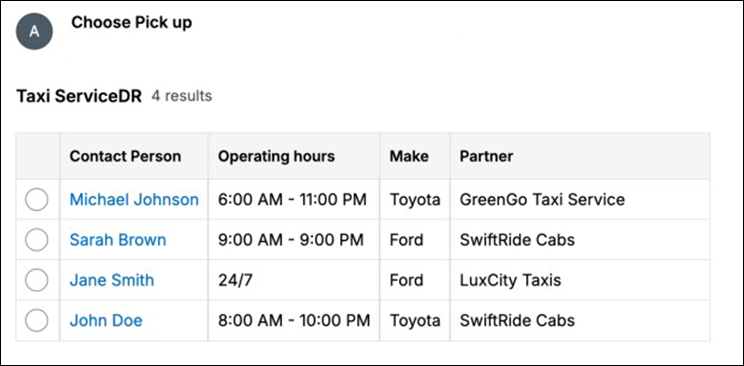
How to achieve this with a Non-queryable Data Page
The root of the issue lies with how non-queryable data pages function. As their name suggests, these data sources cannot be actively queried by the Table component. When a table tries to render a link, it needs to query the server to fetch the specific properties required to build that link's URL. With a non-queryable source, this lookup isn't possible, and the system doesn't have the necessary information to display the link.
Solution
To resolve this, you must ensure that the necessary properties to construct the link are included directly in the data page's response. The required properties depend on whether you are displaying case objects or data objects.
| Object Type | Required Properties to Include in the Response |
|---|---|
| Case Objects | To generate links for case objects, make sure the data page response includes pxObjClass, pzInsKey, and pyID. |
| Data Objects | For data objects, ensure that the properties configured to required parameters for the lookup data page (in the data-designer settings tab) are present in the response. For example 'pyGUID'. |
| Assignment | To generate links for assignments, make sure the data page response includes pxRefObjectKey, pxRefObjectClass and pzInsKey |
By providing these key properties in the initial data load, the UI will have everything it needs to correctly render the links in your table without needing to perform a separate query.
Constellation 101 Series
Enjoyed this article? See more similar articles in Constellation 101 series.